Artistic QR Codes
QR codes are the tattoos of the digital world, yet they are usually the ugliest part of any design. Pick a theme. We do the vibes. You get a unique SVG that still scans.
Choose a Theme
✓ No Signup Required·✓ Static · Never Expires·✓ Free · No Signup·✓ Works Offline · Unlimited
Free QR Code Generator
Paste a link, customize, and download. Free, no account, and 100% in your browser - your data never leaves your device.
All 18 Art Styles, With Real Renders
The generator above renders every code with one of 21 SVG engines: 18 named art styles plus Classic, QArt, and Image QR. Every image below is an actual render of that engine (not a mockup) for the sample link link2qr.com. Open Customize → Pattern in the generator above to try any of them live with your own link.
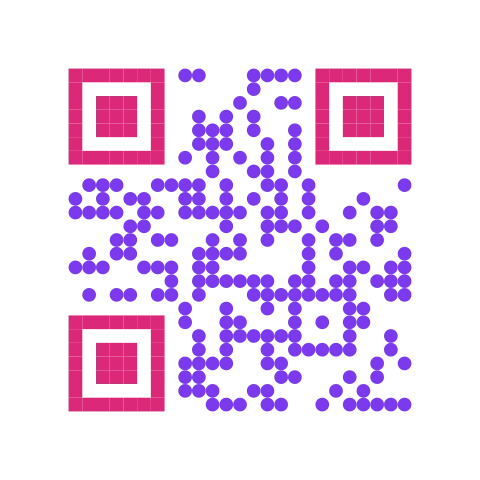
Round data modules, square finder eyes.
Best for: General branding, a softer look than classic squares.
Watch out: Rounded dots shrink the printed dark area slightly versus full squares.
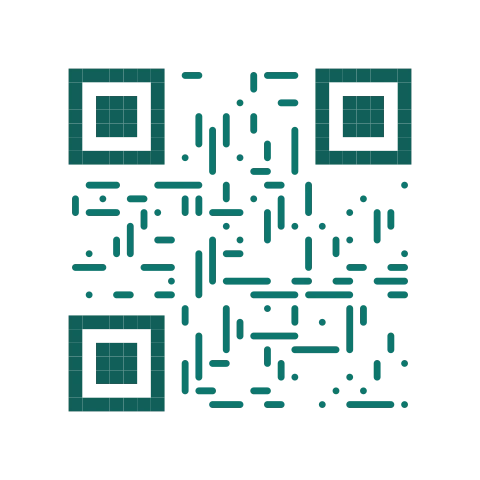
Horizontal and vertical strokes replace square modules.
Best for: Technical, architectural, or editorial branding.
Watch out: Fine linework needs decent print resolution to stay crisp.
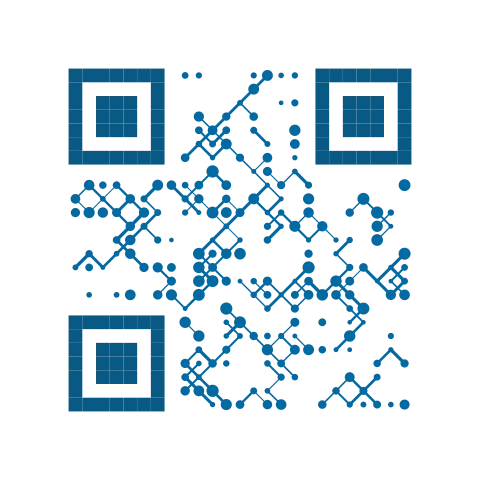
Crossed horizontal + vertical strokes (a denser Lines).
Best for: Blueprint or engineering-style visuals.
Watch out: Busier than Lines - test a physical print before high volume.
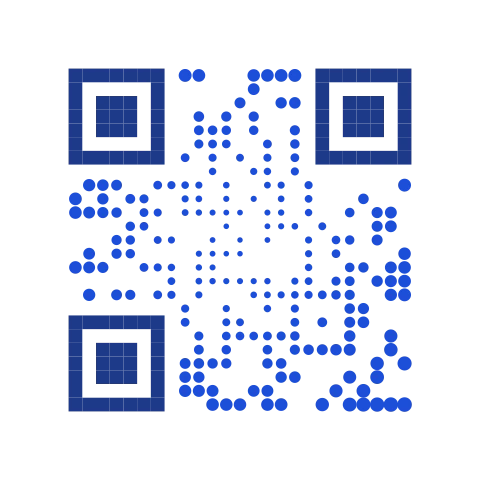
Modules render as undulating curved shapes.
Best for: Ocean, wellness, or travel brands.
Watch out: Curves reduce the sharp edges scanners key off; keep contrast high.
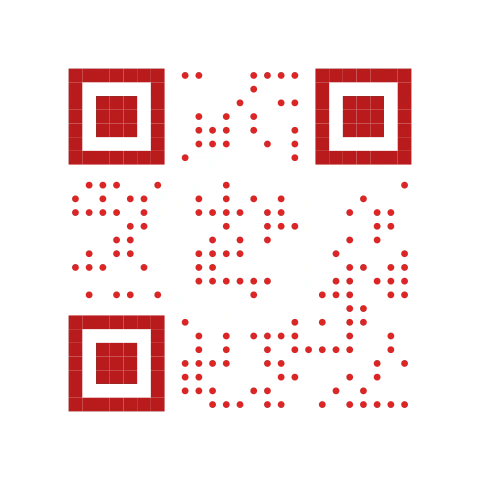
Modules render as concentric ring segments.
Best for: Circular badges, stickers, and stamp-style layouts.
Watch out: Ring detail can blur below about 3cm printed width.
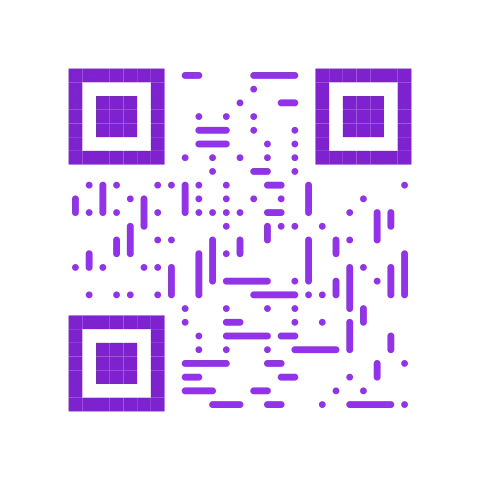
The whole code is drawn as one continuous looping line.
Best for: A standalone art piece - poster or gallery print.
Watch out: The busiest of the 18. Always test-scan a physical print first.
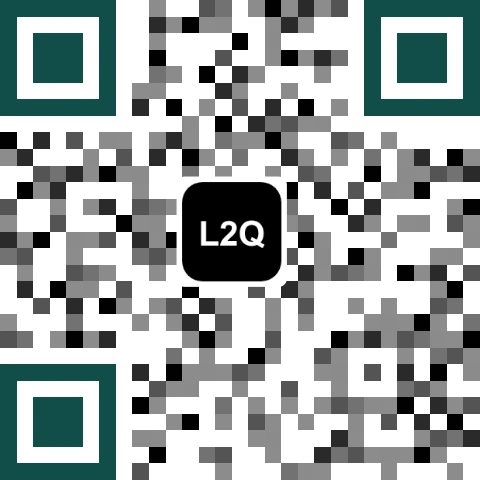
Recolors each module using a live palette pulled from your destination's own favicon (a small hole is cut for the favicon itself).
Best for: Codes that visually echo the site or brand they point to.
Watch out: A plain-text destination (no domain to fetch a favicon from) falls back to a single flat color.
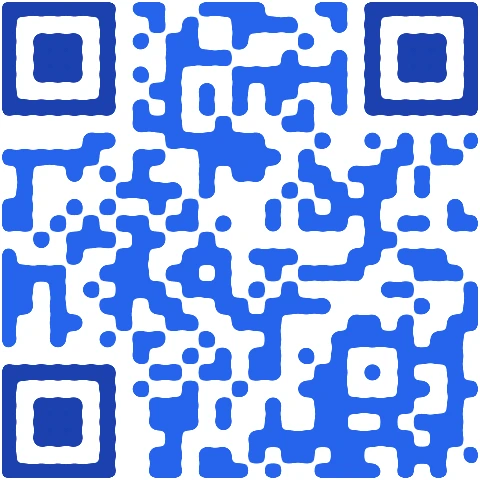
An SVG blur + color-matrix filter fuses neighboring dots into smooth blob shapes.
Best for: Beauty, wellness, or soft-tech brand looks.
Watch out: Merged blobs can thin out at small sizes - print generously.
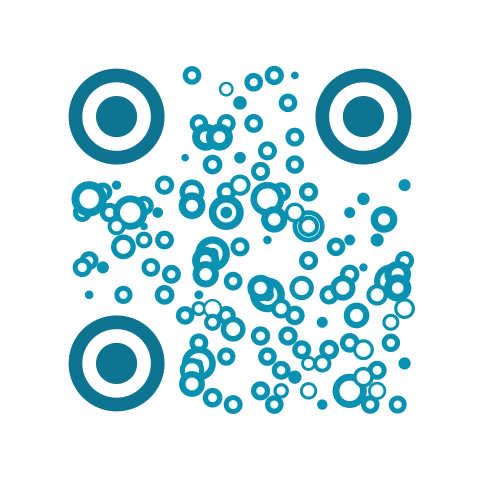
Circular dots in place of square modules.
Best for: Playful, youth-oriented, or event branding.
Watch out: Circles cover less area per cell than squares - print at least medium size.
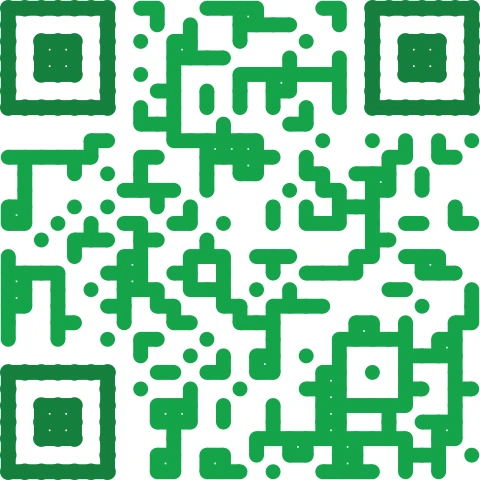
Circular modules with connector bars wherever two dark modules touch, reading as a continuous ribbon.
Best for: A connected, organic look for tech-adjacent brands.
Watch out: An unusual pattern for scanners to have seen before - test-scan first.
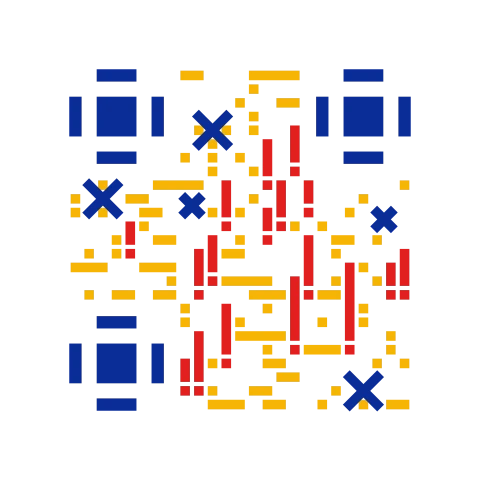
Cross-stitch-style finder markers.
Best for: Craft, textile, or handmade-goods branding.
Watch out: Fine stitch detail needs decent print resolution.
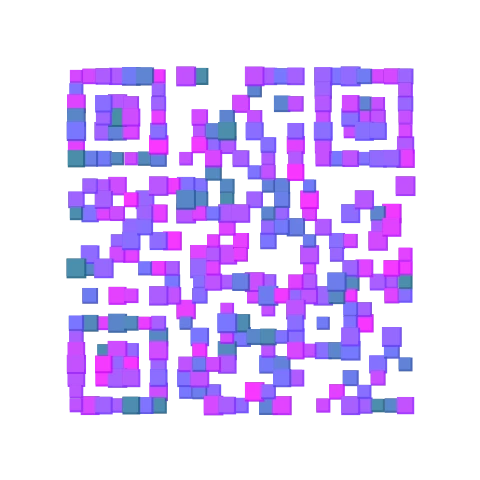
Each module is a randomly sized, randomly rotated rectangle.
Best for: Event, party, or celebration use.
Watch out: The most randomized style here - always test-scan before printing at volume.
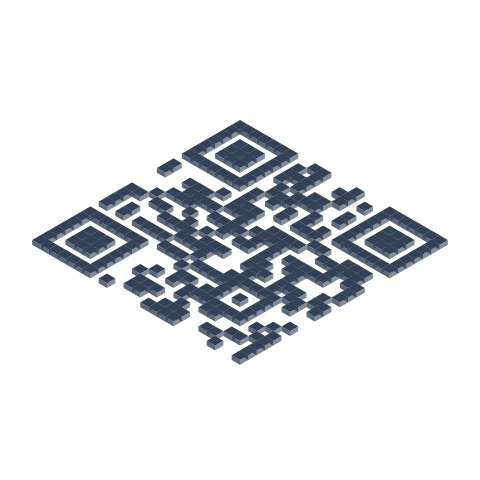
True isometric projection - each module is an extruded 3D block, not a filter.
Best for: Posters and print ads where depth reads well.
Watch out: The isometric projection widens the code's footprint - leave extra margin.
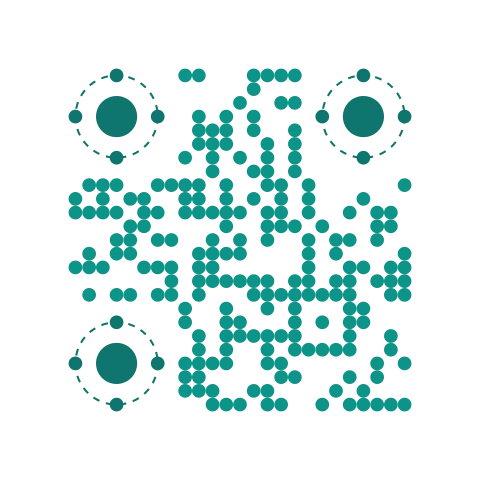
Round data modules with ringed, planet-style finder markers.
Best for: Circular badge or sticker layouts.
Watch out: Like Rings, needs decent print size for the ring detail to read.
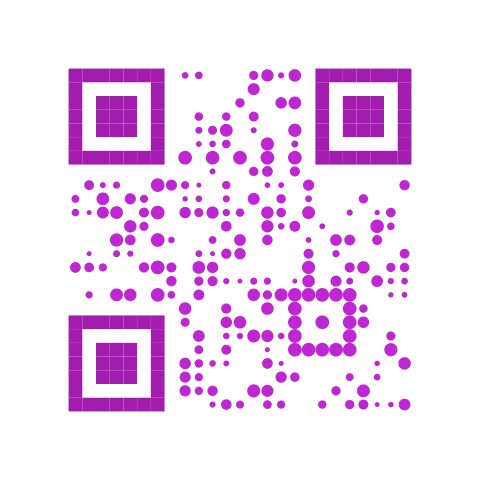
Each module is randomly offset within its own cell.
Best for: Organic, hand-scattered art placements.
Watch out: Reads as art before it reads as a brand system - use sparingly.
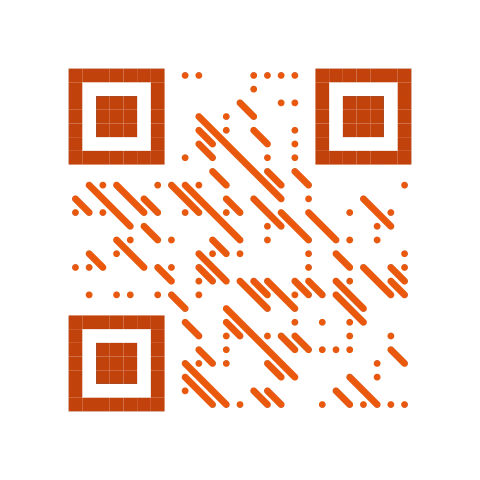
Line segments run corner-to-corner instead of on axis.
Best for: Dynamic, sporty, motion-forward branding.
Watch out: Same resolution caveats as Lines and Grid.
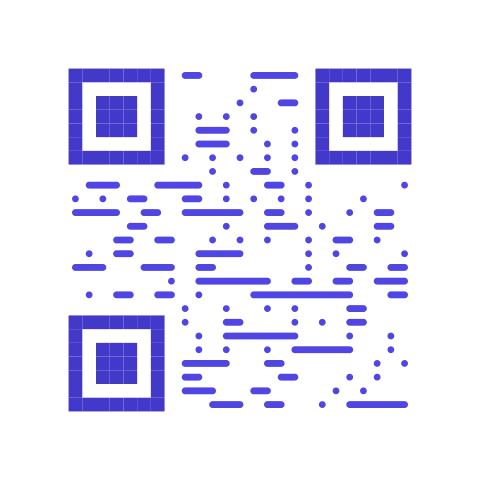
Horizontal line segments only.
Best for: Clean, modern, horizontally-oriented layouts.
Watch out: Same resolution caveats as Lines.
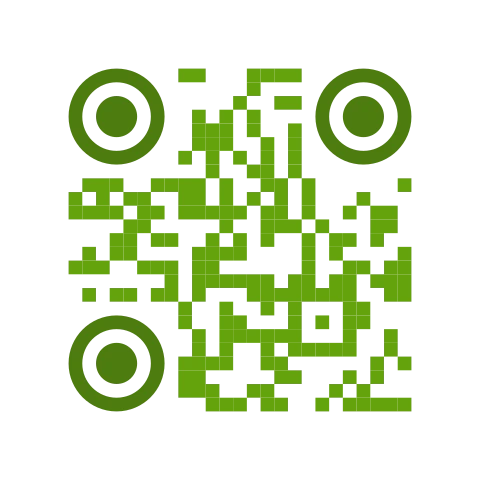
Square modules with rounded finder markers - closest to a plain classic code.
Best for: Anyone who wants a little personality with minimal risk.
Watch out: Minimal - the safest of the 18 for tricky print surfaces.
Advertisement
Why Artistic QR Codes?
A boring black square works. Of course it does. But a QR code is the one piece of your packaging, poster, business card, or menu that guarantees someone is looking closely. Why waste that attention?
Every style above is built on top of the QR specification's error-correction layer. At error correction level H, up to 30% of the code can be obscured, restyled, or replaced with art and the scan still works. We use that headroom for design, not for hiding tracking pixels.
- Free and unlimited. No signup, no watermark, no expiration.
- Static. The QR points wherever you say. We never rewrite or proxy your link.
- Private. Generation happens in your browser. We never see your content.
- Vector. Download as SVG and print at billboard size.
Which Style Is Safest to Print?
Every style keeps the three corner finder patterns and the quiet zone intact, so none of them are unscannable by design. But some are visually busier than others, and a busier pattern gives a phone camera less clean contrast to lock onto in bad lighting or on a curved surface. As a rule of thumb:
- Lowest risk: Soft, Dots, Bubbles, Rings, Planet - close to a classic square/round module with no randomization.
- Moderate: Lines, Grid, Diagonal, Stripes, Waves, Stitch, Mosaic, Liquid, Snake, 3D - distinctive but still a regular, non-random pattern.
- Test first: Spiral, Confetti, Scatter - the most visually randomized styles, worth a physical test-scan before a big print run.
Whichever style you pick, raise error correction to H in the customize panel before you print or add a logo, and always test-scan a real printed sample with two or three different phones first. See our reliability audit for a deeper automated check.
The Fine Print
- SCANABILITY: Physics is a thing. Ink spread, packaging curvature, and scanner quality matter. Always print and test a physical sample before doing a full run.
- PROTECTED ZONES: The three corner finder patterns and the quiet zone around the QR are preserved by every style. Do not crop into them.
- ERROR CORRECTION: Error correction defaults to M and is not raised automatically when you pick a style. Set it to H in the customize panel first, and up to 30% of the modules can be styled, covered with a logo, or tinted. Push beyond that and you may lose scans.
- NO LINK SHORTENING: What you put in is what gets encoded. We do not redirect, track, or shorten your URLs.
FAQ
Are artistic QR codes still scannable?
Yes. Every style keeps the three corner finder patterns and the quiet zone intact, and the underlying QR data is unchanged, only the module shapes and colors are restyled. Raise error correction to H and test-scan a real printed sample before a large run, especially for the busier styles (Spiral, Confetti, Scatter).
Do I need any design software?
No. Every style is generated and rendered directly in your browser and downloads as a vector SVG. There is no signup, no watermark, and no expiration.
What error correction level should I use?
The generator defaults to error correction M. Picking an art style does not raise this automatically. For printed pieces, logos, or the busier styles, open Customize and set error correction to H, which lets up to 30% of the code be obscured or restyled before scans start failing.
Which of the 18 styles is safest to print?
Soft, Dots, Bubbles, Rings, and Planet are closest to a classic square or round QR code and carry the least visual risk. Spiral, Confetti, and Scatter are the most visually randomized and are worth a physical test-scan before a large print run.
Can I add a logo to an artistic QR code?
Yes, in the customize panel. Combine a logo with error correction H, and keep the logo under about 20% of the code's total area so enough data modules stay visible to decode.
Is the artistic QR code generator free?
Yes, free and unlimited, with no signup, no watermark, and no expiration. Generation happens entirely in your browser; we never see the content you encode.