We Scan-Tested All 25 Link2QR Styles With 3 Decoders
Link2QR Team · 2026-09-29
All 6 Classic dot styles passed all 9 of our scan checks, but only 3 of the 19 Art Styles did. The worst, Stitch and Rings, passed none. We generated every style on the live generator, then tried to read each one with three independent open-source decoders under three conditions.
This page publishes the whole result table, the method, the raw images, and what we changed in Link2QR because of it. Some of what we found contradicted advice we had written ourselves, and we corrected that too.
We ran this test because a style gallery only shows how a code looks. It does not show whether a scanner can read it. We wanted a number for each style, produced the same way for all of them, that a reader could check against the images we published.
How we tested
- Date and content. 2026-09-29, on the live link2qr.com generator. Every code encoded https://link2qr.com. We used the generator defaults: error correction M, black on white, and each style's default colors.
- Styles. All 19 Art Styles in the generator's Art Style tab, plus the 6 dot styles of the Classic generator, for 25 in total. Image QR was excluded because it needs an uploaded photo.
- Export. Each style was exported from the real generator and saved as a 340px PNG on white with a margin.
- Decoders. jsQR 1.4, a JavaScript decoder that many web scanners use and the one the Link2QR reliability audit uses. ZXing C++ (zxing-cpp 3.1.1); the ZXing family powers many Android scanner apps. OpenCV 4.13, using both QRCodeDetector and QRCodeDetectorAruco.
- Conditions. Full size (340px), shrunk to 30% (102px, like a small print or a far scan), and Gaussian blur radius 2px (like camera shake). Three decoders times three conditions gives 9 checks per style.
- Two extra tests. jsQR again on the same image resized to 200, 340, 500, 680, 1000px. And every Art Style again with error correction set to H, on a local build that includes the fix described below.
Results for all 25 styles
Rows are sorted from best to worst. The decoder column shows checks passed out of 3 for each decoder (full size, small, blur). The H column shows the score out of 9 when the same Art Style was regenerated with error correction H. Classic styles were not re-measured at H.
A score of 9/9 means every decoder read the code in every condition. A score of 6/9 can mean very different things. It might mean one decoder read the code every time and another never did, or that several decoders each failed once. That is why the by-decoder column matters more than the total when you are choosing a style. A pass here is a software result on a clean image. It is not a promise about any particular phone.
| Sample | Group | Style | Passed | By decoder | At H |
|---|---|---|---|---|---|
 | Art Style | Dots (art) | 9/9 | jsQR 3/3, ZXing 3/3, OpenCV 3/3 | 9/9 |
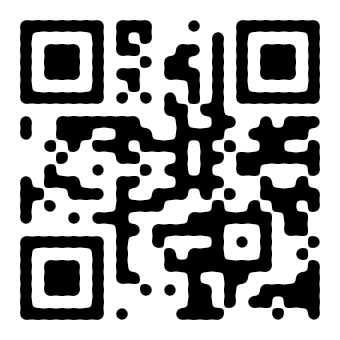 | Art Style | Liquid | 9/9 | jsQR 3/3, ZXing 3/3, OpenCV 3/3 | 9/9 |
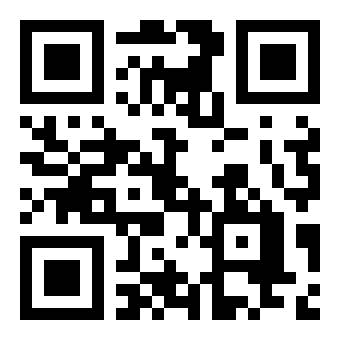 | Art Style | QArt | 9/9 | jsQR 3/3, ZXing 3/3, OpenCV 3/3 | 9/9 |
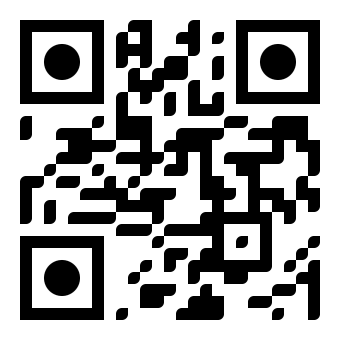 | Classic | Classy | 9/9 | jsQR 3/3, ZXing 3/3, OpenCV 3/3 | not tested |
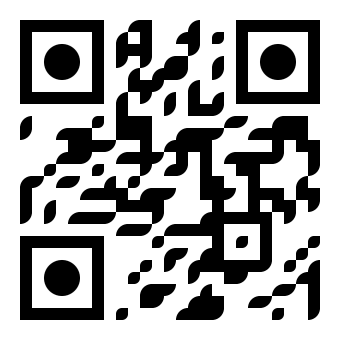 | Classic | Classy rounded | 9/9 | jsQR 3/3, ZXing 3/3, OpenCV 3/3 | not tested |
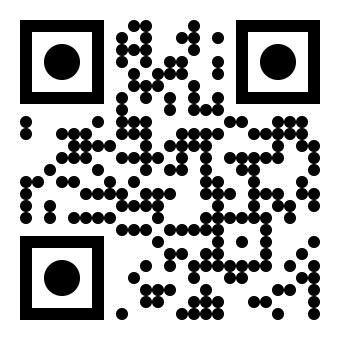 | Classic | Dots (classic) | 9/9 | jsQR 3/3, ZXing 3/3, OpenCV 3/3 | not tested |
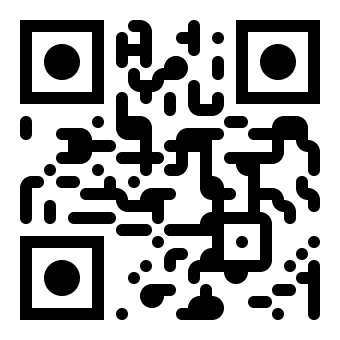 | Classic | Extra rounded | 9/9 | jsQR 3/3, ZXing 3/3, OpenCV 3/3 | not tested |
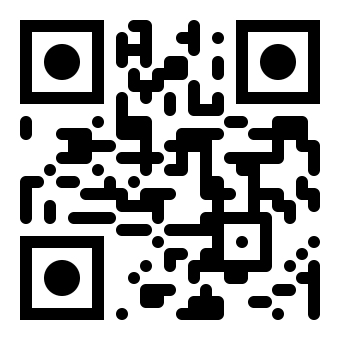 | Classic | Rounded | 9/9 | jsQR 3/3, ZXing 3/3, OpenCV 3/3 | not tested |
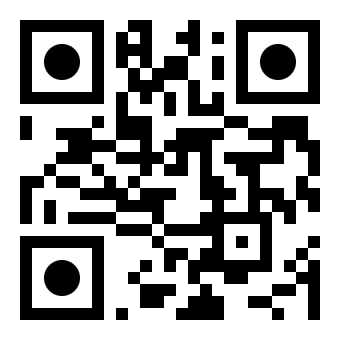 | Classic | Square | 9/9 | jsQR 3/3, ZXing 3/3, OpenCV 3/3 | not tested |
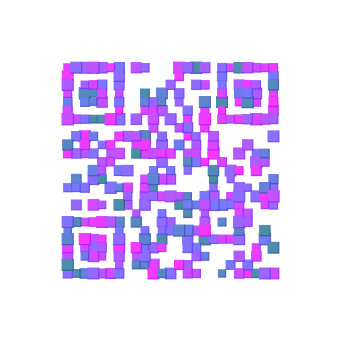 | Art Style | Confetti | 8/9 | jsQR 3/3, ZXing 3/3, OpenCV 2/3 | 9/9 |
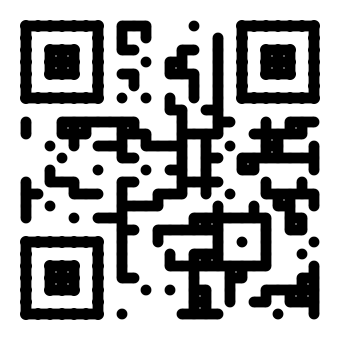 | Art Style | Snake | 8/9 | jsQR 3/3, ZXing 2/3, OpenCV 3/3 | 8/9 |
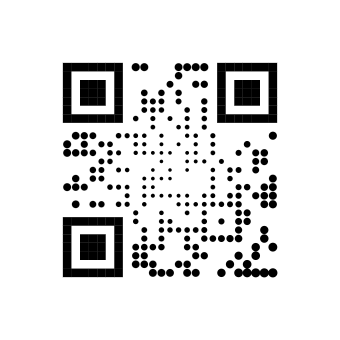 | Art Style | Waves | 7/9 | jsQR 3/3, ZXing 3/3, OpenCV 1/3 | 7/9 |
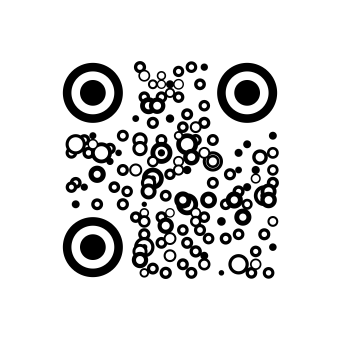 | Art Style | Bubbles | 6/9 | jsQR 3/3, ZXing 3/3, OpenCV 0/3 | 3/9 |
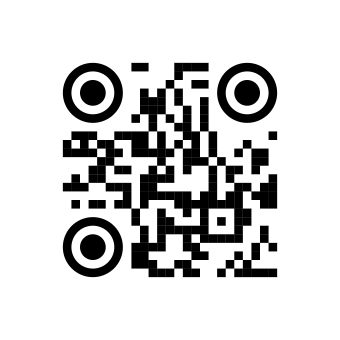 | Art Style | Soft | 6/9 | jsQR 3/3, ZXing 3/3, OpenCV 0/3 | 6/9 |
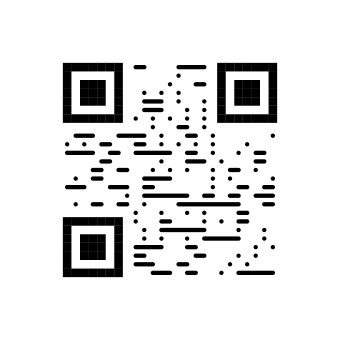 | Art Style | Stripes | 6/9 | jsQR 2/3, ZXing 3/3, OpenCV 1/3 | 3/9 |
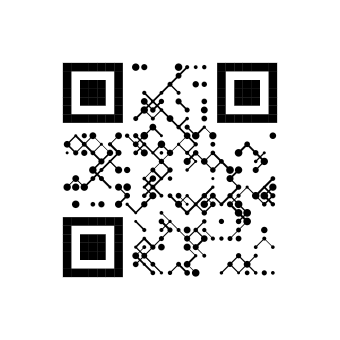 | Art Style | Grid | 5/9 | jsQR 1/3, ZXing 3/3, OpenCV 1/3 | 5/9 |
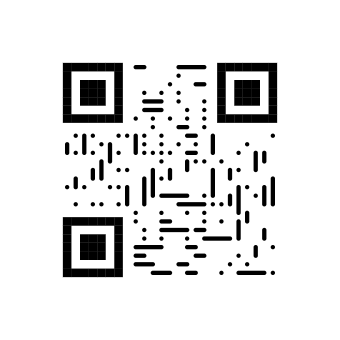 | Art Style | Spiral | 5/9 | jsQR 1/3, ZXing 3/3, OpenCV 1/3 | 4/9 |
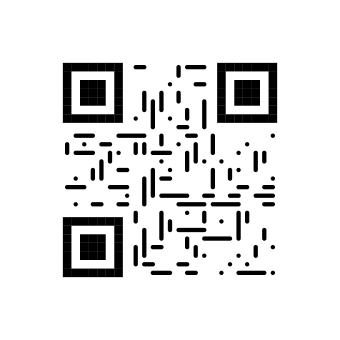 | Art Style | Lines | 4/9 | jsQR 1/3, ZXing 2/3, OpenCV 1/3 | 3/9 |
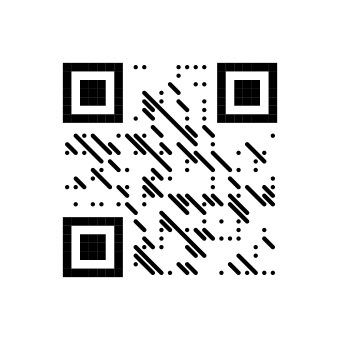 | Art Style | Diagonal | 3/9 | jsQR 1/3, ZXing 2/3, OpenCV 0/3 | 2/9 |
 | Art Style | Mosaic | 3/9 | jsQR 0/3, ZXing 0/3, OpenCV 3/3 | 8/9 |
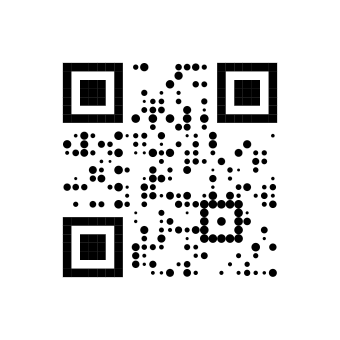 | Art Style | Scatter | 3/9 | jsQR 2/3, ZXing 1/3, OpenCV 0/3 | 2/9 |
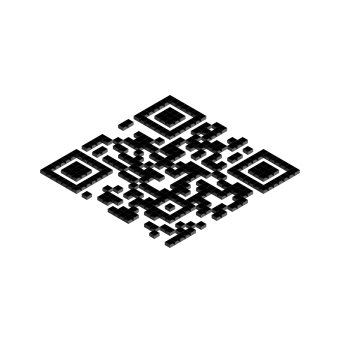 | Art Style | 3D | 2/9 | jsQR 1/3, ZXing 1/3, OpenCV 0/3 | 2/9 |
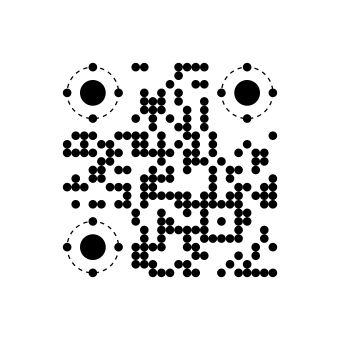 | Art Style | Planet | 1/9 | jsQR 1/3, ZXing 0/3, OpenCV 0/3 | 0/9 |
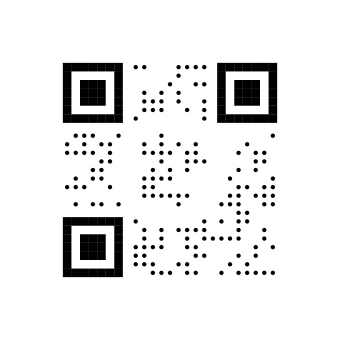 | Art Style | Rings | 0/9 | jsQR 0/3, ZXing 0/3, OpenCV 0/3 | 0/9 |
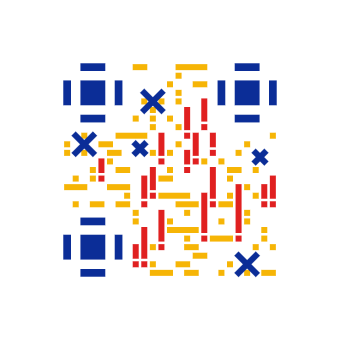 | Art Style | Stitch | 0/9 | jsQR 0/3, ZXing 0/3, OpenCV 0/3 | 0/9 |
Download the test images: the exact 340px PNGs we decoded are at /blog/qr-code-style-scan-test/<id>.png, for example /blog/qr-code-style-scan-test/art-dots.png.
Advertisements
What the results show
Classic is the safe baseline
All 6 Classic dot styles (Classy, Classy rounded, Dots (classic), Extra rounded, Rounded, Square) passed 9 of 9. If a code is going on packaging, a menu, or a sign, this is the group with no measured downside.
Only three Art Styles were clean
Dots (art), Liquid, QArt passed 9 of 9. Confetti and Snake scored 8, and Waves scored 7. At the bottom, Stitch and Rings scored 0, Planet scored 1, and 3D scored 2. 3D draws the code in an isometric projection, so a decoder sees a skewed grid instead of the square one it expects.
The decoders disagree a lot
Soft passed every jsQR and ZXing check but none of the three OpenCV checks. Mosaic went the other way: only OpenCV read it. So a style that works in one scanner app is not proof that it works in another. This is the main reason we recommend testing with more than one. It also means a single quick check with your own phone tells you less than it feels like it does: your phone is one scanner, and your customers will use many.
Bigger images sometimes decode worse
We expected a larger image to be easier to read. For jsQR, several decorative styles did the opposite. Grid, Lines, Spiral, Stripes, Mosaic and Diagonal decoded at 200px and failed at 500px and above. Large, sharp shapes that are not squares confuse the decoder. Phones downsample camera frames, which partly explains why some decorative codes scan on a phone but fail in an upload tool. The table lists every Art Style where jsQR gave mixed results across sizes.
| Style | 200px | 340px | 500px | 680px | 1000px |
|---|---|---|---|---|---|
| Confetti | read | read | failed | failed | failed |
| Snake | read | read | read | failed | failed |
| Waves | read | read | failed | failed | failed |
| Stripes | read | failed | failed | failed | failed |
| Grid | read | failed | failed | failed | failed |
| Spiral | read | failed | failed | failed | failed |
| Lines | read | failed | failed | failed | failed |
| Diagonal | read | failed | failed | failed | failed |
| Mosaic | read | failed | failed | failed | failed |
| Scatter | read | read | read | read | failed |
| 3D | read | read | read | failed | failed |
| Planet | read | failed | failed | read | failed |
Error correction H is not a fix
The common advice is to raise error correction to H for anything decorative. We measured it. Across the 19 Art Styles, 2 scored higher at H, 10 scored the same, and 7 scored lower. Bubbles went from 6 to 3, Stripes from 6 to 3, and Planet from 1 to 0. Mosaic improved from 3 to 8, and Confetti from 8 to 9. The table lists every style whose score changed.
| Style | At M | At H |
|---|---|---|
| Confetti | 8/9 | 9/9 |
| Bubbles | 6/9 | 3/9 |
| Stripes | 6/9 | 3/9 |
| Spiral | 5/9 | 4/9 |
| Lines | 4/9 | 3/9 |
| Diagonal | 3/9 | 2/9 |
| Mosaic | 3/9 | 8/9 |
| Scatter | 3/9 | 2/9 |
| Planet | 1/9 | 0/9 |
The reason is size. H adds data modules. For this URL the grid goes from 25x25 (version 2) to 29x29 (version 3), so each decorative shape gets smaller at the same print size. Error correction helps a code survive damage or a logo. It does not help the decoder find modules that are not square. Two styles did improve, Mosaic and Confetti, so H is not harmful everywhere. But the pattern across the group is clear enough that we no longer recommend it as a general fix for decorative styles.
What we changed because of this test
- Error correction now applies to every style. 15 Art Styles ignored the error correction picker and always used M. They now follow it.
- The reliability audit is fairer. The /qr-reliability audit now retries a failed decode at smaller sizes (320px, then 200px), the way a phone downsamples a camera frame, so large uploads are no longer failed unfairly.
- Style advice uses measurements. The /qr-art page had labeled Rings and Planet as lowest risk and said no style was unscannable by design. Both statements were wrong by these results. The page now groups styles by what they scored here.
Recommendations
- For anything printed, pick a style that passed 9 of 9.
- For any other style, test at least two different scanner apps on a real print at its final size. The print size calculator shows the minimum size for your viewing distance.
- Keep dark modules on a light background, and keep a clear margin around the code.
- For anything under about 2 cm, use Classic.
- Do not count on H to rescue a decorative style. If a code will not scan, our guide on why a QR code is not scanning covers the other causes, and the reliability audit checks your own image.
Ready to make one? Use the generator on the homepage, or browse the Art Styles.
Limitations
We did not test phone camera apps such as the iPhone Camera or Google Lens. We did not test printed samples, and we did not vary lighting or angle. Software decoders are a proxy for real scanners, not a replacement. We tested one URL at one data length, and results can differ with other content, other colors, and other sizes.