How the links get inside the QR code
A hosted link-in-bio service stores your list in its database and gives you a short URL. This generator does not store anything. When you fill in a title and links, it builds a small JSON object, for example {"t":"My links","l":[{"l":"Instagram","u":"https://instagram.com/yourname"}]}, converts it to UTF-8, encodes it as URL-safe Base64 (the + and / characters become - and _, padding removed) and appends the result to link2qr.com/m#. That full address is what the QR code contains.
The part after # is a URL fragment. Browsers keep fragments on the device and never include them in the HTTP request, so when someone scans the code our server only receives a request for the empty /m page. Script on that page reads the fragment, decodes it back to JSON and draws one button per link. The /m page does not load analytics or ad scripts, and each button is a plain link to the destination, so taps do not pass through a redirect.
The decoder is strict about what it shows: at most 20 links, a title and labels up to 80 characters, URLs up to 500 characters, and only http, https, mailto and tel addresses. A link typed without a scheme, such as example.com/shop, is saved as https://example.com/shop. Rows with an empty label or URL are left out.
Advertisements
What scanners see
After a scan, the phone opens a simple page with your title at the top and a stacked list of full-width buttons, one per link, in the order you entered them. A footer line links back to the generator. If the fragment is missing or damaged, the page shows "Link not found" instead of guessing. Because everything is rendered from the code itself, two people scanning the same print always see the same list.
How many links before the code gets too dense
Every character you add becomes part of the pattern. We encoded sample link lists with the same encoder the generator uses and recorded the smallest QR version that holds them at each error correction level. A version N code is (17 + 4N) modules wide, so version 8 is 49 x 49 and version 31 is 141 x 141. The sample used typical profile URLs such as https://instagram.com/yourname, an email link and a phone link. For comparison, that single Instagram URL on its own needs only version 3 at level M.
| Links | URL length | Version at L | Version at M | Version at Q | Version at H |
|---|---|---|---|---|---|
| 1 | 125 chars | 6 | 8 | 9 | 11 |
| 2 | 194 chars | 9 | 10 | 12 | 14 |
| 3 | 261 chars | 10 | 12 | 15 | 17 |
| 5 | 376 chars | 13 | 15 | 18 | 20 |
| 8 | 558 chars | 16 | 18 | 22 | 26 |
| 10 | 717 chars | 18 | 22 | 26 | 30 |
| 15 | 1068 chars | 23 | 27 | 32 | 37 |
| 20 | 1436 chars | 27 | 31 | 38 | does not fit |
The generator starts at error correction M. Longer URLs move every row down the table: tracking parameters, long product paths and emoji labels (which take several bytes each) all count. At level H, a list of 20 links like the sample above exceeds the largest QR version, and the generator shows a "Data Too Long" message.
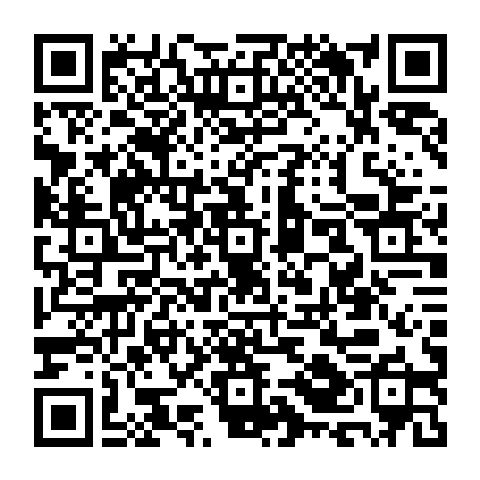
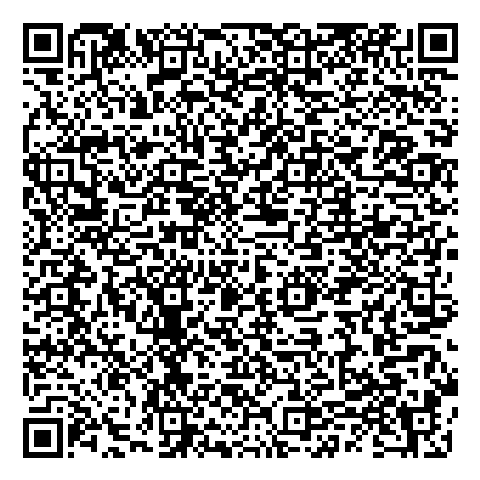
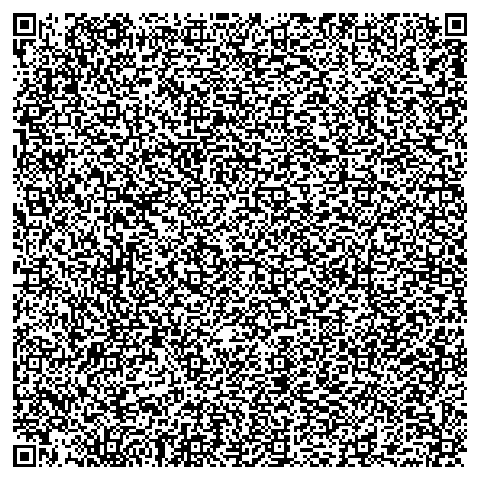
Rendered from the sample payloads at the same printed size and decoded successfully with jsQR. The 20-link code has almost three times as many modules per side, so each module is much smaller on paper.
Multi-link QR or a hosted links page?
- Choose a multi-link QR when the list is short and stable (socials, website, email, phone), you want no account or subscription, and you do not need tap statistics.
- Choose a hosted page when links change often, you want per-link analytics, custom themes, or a list long enough to push the code past version 20 or so. Point a regular QR code at that page and edit it any time.
- Choose a single link when there is really one destination. A plain URL code is far smaller and scans faster. See static vs dynamic QR codes for the trade-offs of editable codes.
Print tips for dense codes
- Size by module count, not by habit. A version 22 code (10 links at M) has 105 modules per side. Printed 3 cm wide, each module is under 0.3 mm. Give dense codes more room than a single-URL code, and use the print size calculator for the viewing distance.
- Trim the payload first. Drop tracking parameters, use short labels, and remove links nobody will tap. In the table, each short link added one to two versions at level M.
- Keep styling simple. High contrast, square dots and a clear quiet zone matter more as modules shrink. Adding a logo raises the error correction you need, which pushes the version up again.
- Export vector for print. Download SVG or PDF so small modules stay sharp, then test the printed proof with more than one phone. The reliability checker can flag problems before you print.
Frequently Asked Questions
How many links can one QR code hold?
The generator accepts up to 20 links, and the /m page shows at most 20. Each label is cut at 80 characters, each URL at 500, and the title at 80. In practice the QR version limit comes first for long URLs: in our measurements 20 short social links fit at error correction M (version 31) but not at H.
Will the QR get bigger if I add more links?
Yes. Every link is stored inside the code, so more links means more modules. One link produced a version 8 code (49 x 49 modules) at error correction M, five links version 15 (77 x 77), and twenty links version 31 (141 x 141). Shorter URLs and labels keep the code smaller.
Can I edit my links after printing?
No. The links are part of the printed pattern, so changing them means a new QR code. If your links change often, put them on a web page you control and point a normal QR code at that page.
Does Link2QR see my links or who scanned?
The links live after the # in the URL. Browsers do not send that part to the server, so our server only sees a request for /m. The /m page loads no analytics or ad scripts, and tapping a link opens the target address directly with no redirect through us.
Which kinds of links work?
The landing page renders http, https, mailto and tel links. If you type a bare domain such as example.com, the generator adds https:// for you. Anything with another scheme is skipped on the landing page.
Will the code stop working if Link2QR goes away?
The phone needs link2qr.com/m to turn the encoded data into buttons, so the page depends on that address being online. There is no account, database record or subscription attached to your code that could expire on its own.